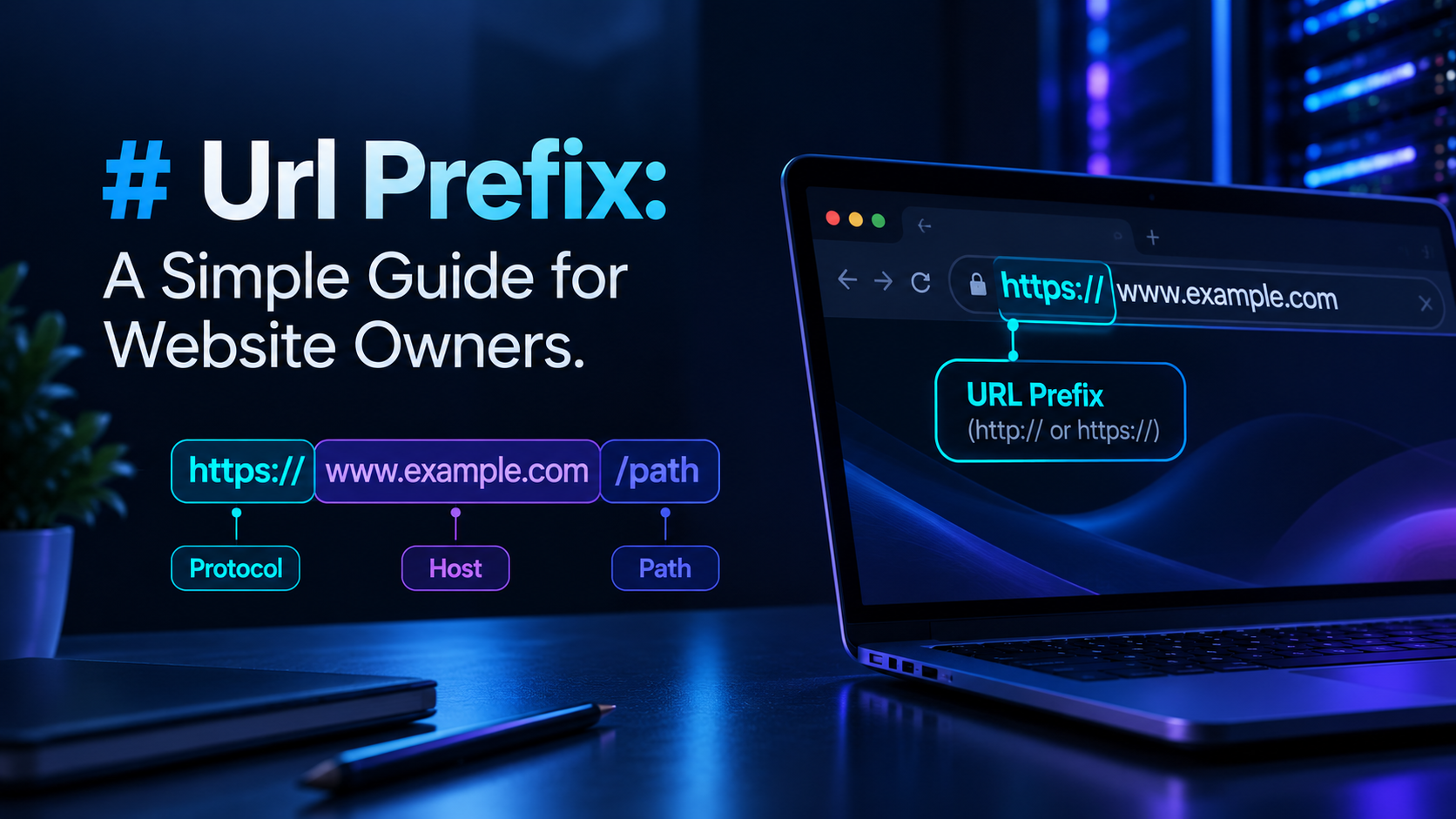
What Is a URL Prefix? A Practical Guide for Website Owners
If you’ve searched for “URL prefix,” there’s a good chance you landed here from Google Search Console, staring at a screen that asks you to choose between a “Domain” property and a “URL prefix” property. That’s the most common reason people look this term up, so let’s answer it properly — starting with what a URL prefix actually is, then walking through exactly what Search Console means by the term and how it differs from a Domain property.
What Is a URL Prefix?
A URL prefix is the leading portion of a URL — everything from the protocol up through an optional path — that defines a specific set of pages on your site. It’s not just “http://” or “https://.” Depending on context, it can include the protocol alone, the protocol plus the host, or the protocol, host, and a specific folder path.
For example, in https://www.example.com/blog/:
https://is the protocolwww.example.comis the host (domain or subdomain)/blog/is the path
Together, https://www.example.com/blog/ is a URL prefix — it identifies a specific, protocol-and-path-defined section of the site. This distinction matters most in one specific place: Google Search Console, where “URL-prefix property” is an official, defined term.
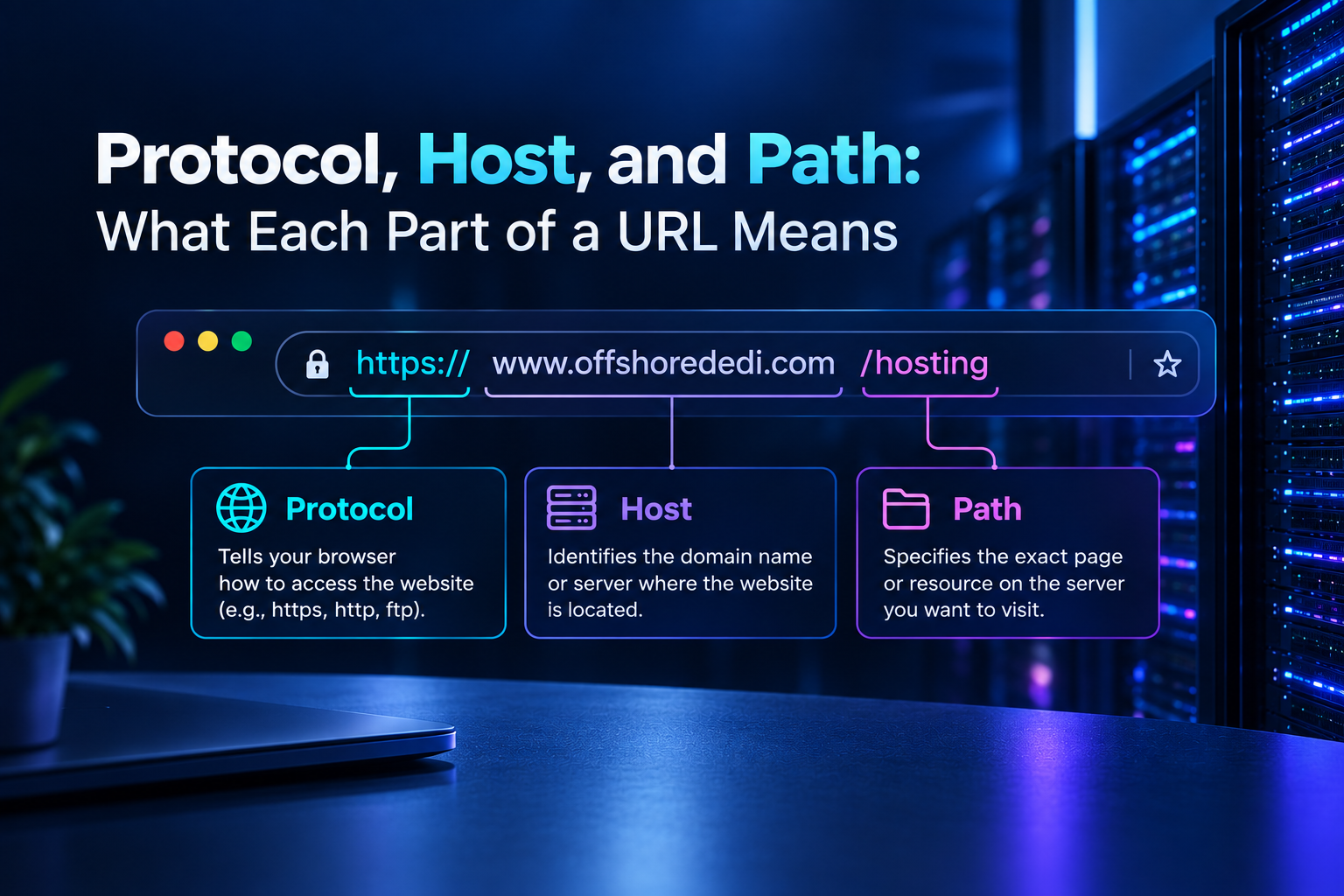
Protocol, Host, and Path: What Each Part of a URL Means
Before getting into Search Console specifics, it helps to separate the three concepts that often get blended together when people talk about URL prefixes:
- Protocol —
http://orhttps://. The “s” indicates the connection is encrypted with TLS/SSL, which protects data moving between the browser and your server. - Host (domain or subdomain) — the part like
www.example.comorblog.example.com. This tells the browser which server to connect to. - Path — everything after the host, like
/blog/article-name/. This describes site architecture and where a page sits within it.
A “URL prefix” in the everyday sense usually refers to protocol + host, or protocol + host + a specific path — not the path alone. Keeping these three parts distinct makes the next section, on Search Console property types, much easier to follow.
What Google Search Console Means by a “URL-Prefix Property”
When you add a property in Google Search Console, you’re asked to choose between two property types: Domain and URL prefix. According to Google’s own documentation, a URL-prefix property is defined by including the protocol (http or https) and, optionally, a path — for example, https://example.com/ or https://blog.example.com/store/. A Domain property, by contrast, is defined using only the root domain, with no protocol and no path — it then automatically aggregates data across all subdomains and both http and https versions.
In practice, this means the exact prefix you enter when creating a URL-prefix property determines exactly which URLs are included in that property’s reporting — nothing broader, nothing narrower.
URL-Prefix Property vs. Domain Property: Comparison
| Feature | URL-Prefix Property | Domain Property |
|---|---|---|
| What you specify | Protocol + host, optionally + path (e.g. https://www.example.com/blog/) |
Root domain only, no protocol, no path (e.g. example.com) |
| Coverage | Only the exact protocol, host and path specified | All subdomains, plus both http and https automatically |
| www vs non-www | Treated as separate properties unless you add both | Covered together automatically |
| Verification methods | HTML file upload, meta tag, Google Analytics, Google Tag Manager, or DNS record | DNS record only |
| Best suited for | Verifying a single site version, a subdomain, or a specific folder/subdirectory in isolation | A consolidated view of an entire domain’s performance across all its variations |
Neither type is inherently “better” — they answer different questions. A Domain property gives you the full picture; a URL-prefix property gives you a precisely scoped one.
Examples: http vs https, www vs non-www, Subdomains, and /folder/ Paths
Because a URL-prefix property matches only what you specify, these are treated as separate properties unless you explicitly set each one up (or use a Domain property to cover them all at once):
http://example.com/andhttps://example.com/— different protocols, different propertieshttps://www.example.com/andhttps://example.com/— www and non-www are different hosts, different propertieshttps://blog.example.com/— a subdomain is a distinct host from the root domain, and needs its own URL-prefix property unless covered by a Domain propertyhttps://example.com/shop/— a URL-prefix property scoped to a single folder will only report on URLs under/shop/
This is the practical reason Domain properties exist: if you want one report that automatically includes www, non-www, http, https, and every subdomain, a Domain property does that without you having to add each variant separately.
When to Use a URL-Prefix Property
A URL-prefix property is the right choice when you need to:
- Verify ownership without DNS access — useful if you don’t manage the domain’s DNS settings directly, such as on some managed or shared hosting setups
- Isolate performance data for one specific section of a site, like a blog or store subdirectory, separate from the rest of the domain
- Track a single subdomain independently, without pulling in data from the rest of the domain
- Confirm indexing and Search performance for one exact URL variant while you’re mid-migration between protocols or hostnames
Many site owners end up using both property types together: a Domain property for the overall view, and one or more URL-prefix properties for granular checks on specific sections.
URL Structure Best Practices for Websites
Separate from Search Console property types, there’s the everyday question of how to structure the paths in your URLs. Well-structured paths make a site easier to navigate and easier to maintain, though it’s worth being precise about what they do and don’t do for search performance on their own.
- Use lowercase letters and hyphens to separate words — search engines and users both parse hyphenated, lowercase URLs more reliably than mixed-case or underscore-separated ones.
- Group content logically — paths like
/blog/,/services/, or/products/electronics/make the site’s structure legible to both visitors and crawlers. - Avoid unnecessary parameters and symbols — long strings of dynamic characters are harder to read, harder to remember, and harder to share.
- Keep URLs reasonably concise — descriptive is good; needlessly long is not.
- Avoid restructuring URLs frequently — every change to a live URL path risks broken links and requires proper redirects to preserve existing rankings and backlinks.
These practices support clarity, consistent crawling, and a better user experience. A single well-formed URL is not, on its own, a ranking factor with a guaranteed outcome — its value comes from making a site easier for both users and search engines to understand and navigate correctly over time.
Canonicalization and Why URL Consistency Matters
Because http/https and www/non-www variants of a page are technically different URLs, search engines need a signal for which version is the “real” one — this is what canonicalization solves. A canonical tag tells search engines which URL variant should be indexed and credited when the same content is reachable through more than one URL.
Without consistent canonicalization, you risk splitting ranking signals across duplicate URL variants instead of consolidating them onto one preferred version. Pairing a single canonical version with server-side redirects (so only one protocol and one host actually serve content) keeps both users and crawlers pointed at the same, consistent URL.
Common Mistakes and How to Avoid Them
- Treating every path segment as “the prefix.” Only the protocol-plus-host (and, in Search Console, an optional path) counts as a prefix in the technical sense — the rest is URL structure.
- Setting up a URL-prefix property for www, forgetting non-www (or vice versa). This leaves a gap in reporting, since Search Console won’t merge the two automatically.
- Mixing http and https properties without redirects in place. If both versions are live and unresolved, you risk duplicate content and split signals.
- Changing URL paths without redirects. This breaks existing links and can cause a temporary drop in visibility until search engines re-crawl and re-index the new paths.
- Assuming a URL-prefix property change is itself a ranking tactic. Property type is a reporting and verification choice in Search Console — it doesn’t change how your site is crawled, indexed, or ranked.
FAQ
Does a URL-prefix property include subdomains?
No. A URL-prefix property only covers the exact host you specify. If you create one for https://example.com/, it will not include https://blog.example.com/ — that subdomain would need its own URL-prefix property, or you’d need a Domain property to cover both together.
Does http match https in a URL-prefix property?
No. Protocol is part of the prefix, so http://example.com/ and https://example.com/ are treated as separate properties. If your site redirects http to https (as it should), verify the https version, since that’s the one actually serving your content.
Can I use both a Domain property and a URL-prefix property at the same time?
Yes. Many site owners keep a Domain property for the full, consolidated view and add specific URL-prefix properties when they need to isolate data for a single subdomain or folder.
Do I need to change my URL prefix to improve my site’s ranking?
Not on its own. A clear, consistent URL structure supports crawling, indexing, and user experience, but it isn’t a standalone ranking lever. It works alongside content quality, site performance, and backlink profile rather than in place of them.
If you’re mid-migration between hosts, protocols, or hostnames and want your URL structure and redirects handled cleanly from the infrastructure side, that’s something a properly configured VPS hosting environment makes considerably easier to control than shared hosting.