Introduction to RAID
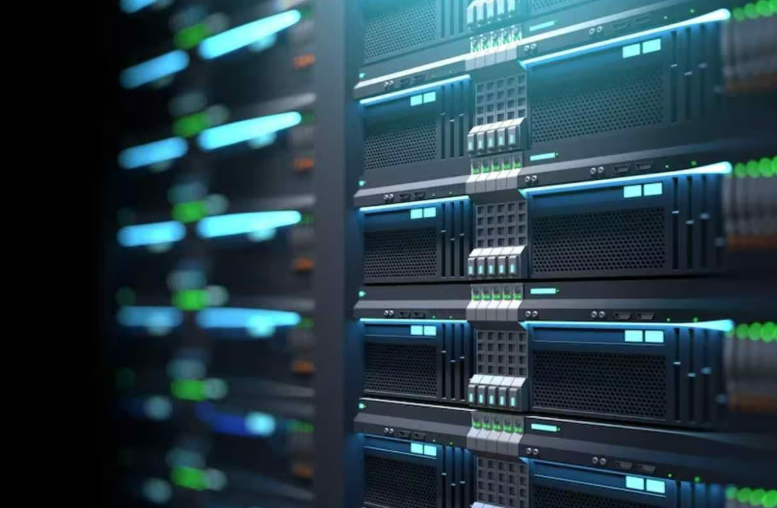
RAID is a supporting technology in the area of data storage that aims at enhancing the performance and stability of server systems. RAID is a technique that brings together multiple hard drives into one single and unified hard drive where the read and write speeds are increased, and the fault tolerance is offered on different levels. Its scalability allows it to be a vital data management tool in a small-scale operation and even at the enterprise-level.
In its simplest application, the RAID makes use of various configurations, or stages, to achieve certain requirements of speed, redundancy or a combination of both. An example is that some RAID levels may be performance oriented and may distribute data across drives, whereas others may be more protective in the event of hardware failure and may form duplicate data or parity information. It enables users to fit their storage implementation to their needs whether it is to hold a database or host virtual machines or provide large-scale storage of files.
In order to capitalize on RAID, it is always crucial to evaluate your server world, such as the requirements at workload, the expected rise in storage capacity and the sensitivity of your data. Modern servers are usually stocked with RAID controllers, which could be either hardware or software-based, simplifying the configuration process and making it available to IT professionals of different expertise.
Raid is more than just a matter of making a choice. The compatibility of drives, the quality of the RAID controller, and the maintenance practices are all factors that contribute to the performance and the longevity being optimal. A properly-designed RAID system may play a large role in minimizing downtimes, increasing the speed of access to data, and mitigating the unforeseen collapse of storage devices.
Different RAID Levels
RAID setups may be classified in a number of levels with each level fulfilling certain performance and redundancy needs:
- RAID 0 (Striping): Experiment level improves the performance by splitting data into smaller chunks and spreading them out on a number of drives. Nevertheless, it does not have fault tolerance and thus anything that causes a drive failure will lead to loss of data.
- RAID 1 (Mirroring): This tier is very reliable as it will place the same information on two drives. In case of failure of one drive, the other one will keep the data, but the storage capacity will be cut in half because one drive will be duplicated.
- RAID 5 (Striping with Parity): This is the best when in need of a balance in speed and redundancy, RAID 5 writes the parity data on top of the primary data on all the drives. It has to have at least three drives and it can survive in case one of the drives malfunctions.
- RAID 6 (Striping with Double Parity): This is an extension of RAID 5 which introduces a second parity layer to make the system more fault-tolerant. RAID 6 is capable of withstanding two drive failures and it needs a minimum of four drives and can be used in a system that is very critical.
- RAID 10 (Mirroring and Striping): RAID 0 in the form of RAID 1 provides mirroring and striping on the drives at the same time to achieve high performance and redundancy in a drive. It requires at least four drives and compromises storage space by offering reliability and speed.
All RAID tiers have their own pros and cons, and therefore, they are apt to various server environments and workloads.
Choosing the Right RAID Level
There is no universal RAID level that suits a particular server need, and it is crucial to consider a set of factors to make a decision. In case the focus of your interest is on securing vital data, then RAID levels such as RAID 1, RAID 5, RAID 6, or RAID 10 can offer some level of redundancy and error tolerance. An example is that RAID 1 will provide 100% data duplication, but it will cost half the total storage capacity, whereas RAID 5 and RAID 6 will utilize parity to provide redundancy at a more efficient price.
Performance is also a factor of consideration especially when it comes to the server that undertakes tasks that are sensitive in terms of the speed of read and write. RAID 0 is the most popular alternative when the performance is the priority; however, it does not offer any redundancy, which is why it is not the best option in the case of a critical system. RAID 10, however, is a combination of the two; it offers speed and fault tolerance, thus it is a good choice in cases of high-performance setups; reliability cannot be compromised.
Moreover, the budget restriction usually affects the process of choice. There are higher levels of RAID that may need additional drives or a particular hardware that may be costly to set up. Although the cost of RAID 0 is low based on the amount of storage it can hold, RAID 10 and others are expensive because they require more than one drive and the storage capacity is less than RAID 0.
Lastly, estimate how much you will need to be stored. Better RAID configurations such as RAID 5 or RAID 6 are offering more usable space than RAID 1 or RAID 10, but have a minimum number of drives and may have reduced performance in some workloads.
After performing a detailed analysis of the workload needs, financial considerations, and data security needs of your server, it is possible to choose a RAID structure that matches your business needs.
Configuring RAID for Servers
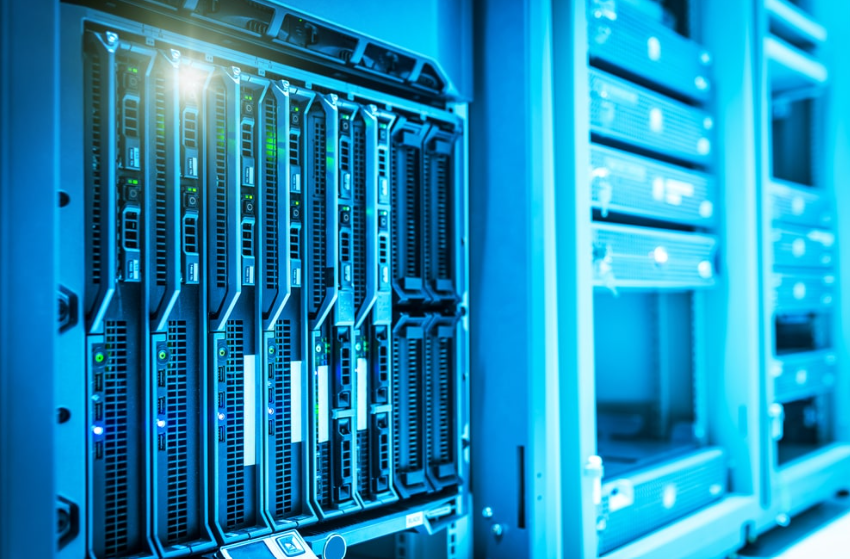
In order to set up RAID to your server: the first step is to identify the level of RAID that you need and ensure that your server hardware is compatible with the level. Ensure that the server has sufficient drive bays and drive compatible with the requirement of the configuration. After collecting the required hardware, mount the drives on the available slots of the server.
The following step is to start the server and start the BIOS or UEFI setup utility, which is usually started by pressing a special key during the booting process. Identify RAID configuration option in the utility and complete the on-screen instructions to construct a RAID array. Choose the RAID level that fits your requirements in terms of performance and redundancy and put the right drives into the array. Other RAID controllers can also be configured to permit other options including stripe size or caching preferences which can affect performance.
The next step is to initialize the drives after building the RAID array. This is one of the steps which is to prepare the array to be used and can be prepared by formatting it using the operating system. When the setup is complete the operating system must identify the RAID array as a single logical drive.
During this process, one should not make mistakes such as inserting wrong drives with varying capacities and speed because the mismatch of components may affect performance or cause unforeseen problems. Most RAID controllers also have verification utility- make use of these to verify the integrity of any given configuration before loading any data.
Maintaining RAID Systems
In order to keep your RAID system operational at high rates, you need to pay more attention to the regular maintenance and the prompt response to the potential issues. The initial step you want to take is to take the initiative to monitor the health of your drives and RAID arrays using the management software which is provided either as part of the RAID controller, or can be purchased separately. The majority of tools offer this kind of functionality as a warning bell when a poor array is in operation, or the drive is not functioning, that is why you can respond as quickly as possible in case of difficulties.
Another important task is the maintenance of drives that are scheduled. Monitor any indications of wear and failure and change drives when they exhibit any indications of instability. Do not allow several drives to malfunction and this would put your data at risk. Sometimes, when changing drives, make sure they are the same dimension in terms of specifications with the current system, otherwise it will affect performance bottlenecks or compatibility.
Also, keeping your RAID controller and other hardware up to date will be able to optimize the performance and address compatibility problems. Periodically update on the part of the manufacturer, and implement the advice on installing updates to prevent operations being disrupted.
It is also worthwhile to periodically test your RAID array in order to determine the latent problems that otherwise would not have been noticed. Test diagnostic tests to ensure that the array is operating as expected, and ensure that parity data, where present, is correct and valid. Preemptive testing helps to reduce the chances of failure without prior notice as well as to make the system reliable.
Finally, do not overwork your RAID array with loads that are too many to handle. Continuous overworking allows it to perform poorly or deteriorate the hardware. Should your storage requirements change, it is worth increasing the amount of RAID in order to meet the demands.
Enhancing Server Reliability with RAID
Including RAID is not the only step in increasing the reliability of the server. RAID is also more fault tolerant and faster but the combination of both measures enhances the stability of the system. The first step is to combine RAID with an effective backup solution. Frequent backups provide the necessary protection in case the vital information is not lost just because the RAID system suffers two or more drive failures or any other unexpected cases.
Monitoring of the server environment is another practice that is crucial. Aspects such as temperature, humidity, as well as power consistency may have a profound impact on hardware performance and life cycle. Monitor the environment and intervene on possible dangers prior to disruption of servers.
Reliability is also a given by proactive hardware management. Make sure that such components as RAID controllers, power supplement, and memory are of good quality and compatible with your server configuration. The extra power supply and network interfaces will be redundant, which will reduce the single point of failure.
Training of the staff is also essential. IT employees must have a good understanding of RAID management, troubleshooting and recovery processes in case of an emergency. Constant changes in training keep the teams current to emerging changes in technology and challenges.
To ensure even greater reliability, update maintenance schedules, configuration and recovery plans on a regular basis. Such documentation enables immediate response in unforeseen circumstances which minimizes the downtime and the possible loss of data.
Conclusion
Last but not least, always experiment on the performance of your RAID system to the requirements of your server. As the workloads increase, there may be a need to upgrade to a higher level of RAID configuration or increase the storage capacity. When configuring your RAID setup, it should be appropriately scaled such that as more and more loads are added on the system, the system will not collapse under the pressure of the extra load.
The integration of RAID with the strategies provides a strong infrastructure that can reduce disruption and protect the important operations. Application to achieve optimal performance and minimize the risk of expensive downtime, it is possible to address the issue of server reliability holistically.
Configure RAID for reliable servers and protect your data from unexpected failures. Deploy your infrastructure with OffshoreDedi today.